ICICI Corporate e-Banking Login: Guide for Secure Access
Introduction
In today’s digital-first world, businesses rely on online banking solutions to manage finances swiftly and securely. ICICI Bank’s Corporate Internet Banking platform—commonly referred to as ICICI Corporate e-Banking—is one such robust system designed for businesses of all scales. From handling large-scale fund transfers to managing trade finance, payroll, and real-time reporting, the platform is tailored for convenience and operational control.
However, first-time users or even seasoned professionals can face challenges logging in or navigating its features. That’s why this guide is designed to simplify the ICICI corporate e-banking login process. We’ll walk you through each step—from accessing the portal to using its core features—while emphasizing security and ease of use. Whether you’re a business owner, finance officer, or IT administrator, this article will empower you to make the most of ICICI’s corporate banking tools.
What is ICICI Corporate e-Banking?
ICICI Corporate e-Banking is a specialized internet banking solution tailored for businesses, corporate firms, and large enterprises. Unlike personal banking, it focuses on streamlining financial operations such as bulk transactions, vendor payments, trade finance, tax filing, and custom reporting.
Key Capabilities Include:
-
Single and bulk fund transfers (NEFT, RTGS, IMPS)
-
Trade finance services (Letters of Credit, bank guarantees)
-
Tax payments (GST, income tax, customs)
-
Employee salary disbursement
-
Digital account statements and audit trails
-
Integration with ERP systems
This centralized platform saves time and increases financial visibility and control for businesses.
Step-by-Step ICICI Corporate e-Banking Login Process
1. Visit the Official Login Page
Always ensure you’re on the official ICICI Bank corporate login page. You should see a secure HTTPS address and a valid SSL certificate. Avoid using links from third-party emails or unknown sources.
2. Enter Login Credentials
You’ll be prompted to enter three key details:
-
Corporate ID
-
User ID
-
Password
These credentials are issued by ICICI Bank during account setup.
3. Enter CAPTCHA
To improve security, ICICI has mandated CAPTCHA verification. Make sure it matches the characters displayed. If it’s unreadable, click refresh to generate a new one.
4. Click ‘Login’
After entering all details accurately, click the Login button. You will be redirected to the corporate dashboard upon successful authentication.
Tip: Do not check “Remember User ID” on shared or public devices to maintain security.
Top Features Available After Login
Once logged in, you can access a wide range of features designed to meet the banking needs of corporate clients:
1. Dashboard Overview
The dashboard displays:
-
Account balances
-
Recent transactions
-
Loan and fixed deposit summaries
-
Quick access tools for frequent actions
2. Fund Transfers
You can initiate:
-
Single Transfers: To vendors, employees, or government entities.
-
Bulk Transfers: Upload files for salary processing or vendor payouts.
-
Tax Payments: Directly pay GST, TDS, customs, and other taxes.
3. Trade Finance
Access facilities like:
-
Letters of Credit (LC)
-
Bank guarantees
-
Import/export documentation
-
Trade approvals and tracking
4. CMS (Cash Management Services)
Simplify collections and payments with solutions like:
-
Auto-debit arrangements
-
Cheque and DD management
-
Customized MIS reports
5. E-Statements & Reports
You can download:
-
Account statements
-
Transaction history
-
Custom MIS reports for reconciliation and audits
Security Measures to Protect Your Account
ICICI Bank employs multiple layers of security to ensure safe banking. Here are some critical precautions you should take:
1. Verify the Site URL
Always begin with a secure HTTPS address and confirm the site is from ICICI Bank. Do not click on unsolicited links or attachments.
2. Enable Two-Factor Authentication
Opt for OTP (One Time Password) or token-based access for additional protection.
3. Use Strong Passwords
Avoid using names, dates, or obvious passwords. ICICI recommends a mix of upper/lowercase letters, numbers, and symbols.
4. Avoid Shared Devices
Log in only from secure, known systems. Do not use public Wi-Fi to access sensitive banking information.
5. Log Out After Use
Always log out and close the browser after completing transactions.
Common Login Issues and Solutions
Even experienced users sometimes encounter login problems. Here are some of the most common issues and how to resolve them:
1. Forgotten Password
Use the ‘Forgot Password’ feature on the login page to reset your password. You’ll need your Corporate ID and User ID for verification.
2. Account Locked
Multiple failed login attempts can temporarily lock your account. Contact ICICI Corporate Customer Support to reset it.
3. CAPTCHA Not Working
Ensure that JavaScript is enabled in your browser. If CAPTCHA doesn’t load properly, refresh the page or switch browsers.
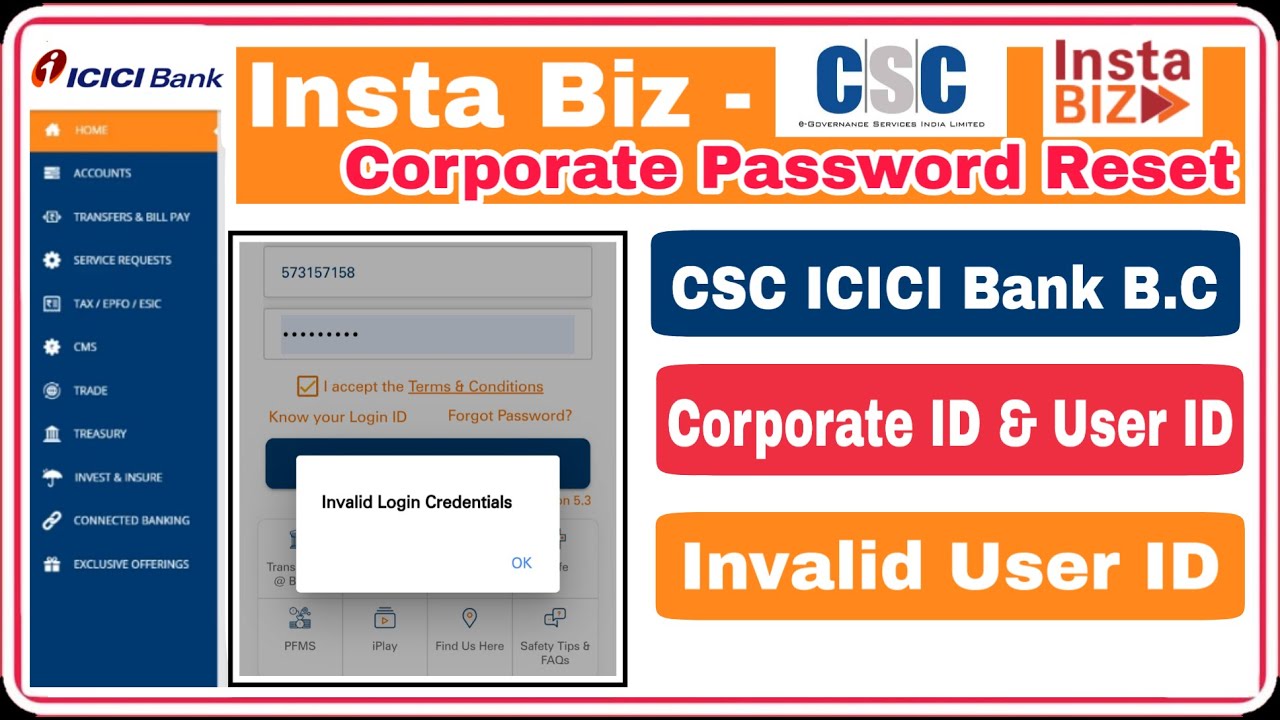
4. Invalid Credentials
Ensure your keyboard’s CAPS LOCK is off and there are no typos. If the problem persists, verify credentials with your corporate administrator.
5. Browser Compatibility
Use updated versions of Chrome, Firefox, or Edge. Enable cookies and pop-ups for the best experience.
Mobile Access via InstaBIZ App
ICICI’s InstaBIZ app offers corporate users access to key banking services on the go. While the web platform is ideal for complex tasks, the app is useful for:
-
Quick fund transfers
-
Bill and tax payments
-
Approvals and alerts
-
Real-time transaction tracking
-
UPI & QR collection management
The app is highly rated on mobile platforms and is suitable for both small businesses and large enterprises.
Tips for Optimizing Corporate e-Banking Usage
-
Set User Roles & Limits: Define transaction limits and roles for users in your organization to prevent unauthorized activity.
-
Regularly Monitor Logs: Download transaction logs and audit trails for reconciliation and security analysis.
-
Update Contact Info: Ensure your mobile number and email are current to receive alerts and OTPs without fail.
-
Schedule Bulk Payments: Automate recurring payments such as payroll, vendor fees, and taxes to save time.
-
Set Approvals: Enable dual-authorization for high-value transactions to minimize fraud risk.
Who Should Use ICICI Corporate e-Banking?
This platform is ideal for:
-
Private Ltd & Public Companies
-
Startups with high transaction volume
-
Importers/Exporters
-
Retailers with digital collections
-
NGOs and Trusts managing large donor funds
Regardless of your industry, if you need detailed control over cash flow, this platform can streamline operations significantly.
Best Practices for Administrators
Corporate administrators managing access should:
-
Conduct periodic password audits
-
Train employees on phishing and social engineering
-
Restrict access to only essential users
-
Maintain a user matrix with updated access rights
-
Revoke access for resigned/retired employees immediately
APSBCL Retailer Login – Step-by-Step Portal Guide & FAQs
Conclusion
ICICI Corporate e-Banking is a powerful financial platform tailored to meet the evolving needs of businesses. From processing high-volume payments to managing trade finance and generating detailed reports, it gives companies complete control over their banking operations. By following a secure login process, utilizing the system’s features wisely, and maintaining rigorous security hygiene, businesses can optimize their financial workflows with confidence.
Whether you’re just starting with ICICI’s corporate portal or looking to enhance your usage, this guide offers everything you need. From web access to mobile convenience via the InstaBIZ app, the bank ensures a seamless digital banking experience for modern enterprises. Empower your business today by mastering the ICICI corporate e-banking login process.
FAQs
1. How do I log in to ICICI corporate internet banking?
Go to the official portal, enter your Corporate ID, User ID, Password, and CAPTCHA, then click on Login.
2. What should I do if I forget my Corporate User ID or Password?
Use the ‘Forgot Password’ or ‘Know Your User ID’ option on the login page and follow the instructions.
3. Why is CAPTCHA required for login?
CAPTCHA helps prevent automated login attempts and adds an extra layer of security to your account.
4. Is mobile access available for ICICI Corporate Banking?
Yes. You can use the InstaBIZ app for quick banking tasks like fund transfers, approvals, and transaction alerts.
5. What to do if my ICICI Corporate account is locked?
Contact ICICI Corporate Customer Support to unlock or reset your account credentials.